
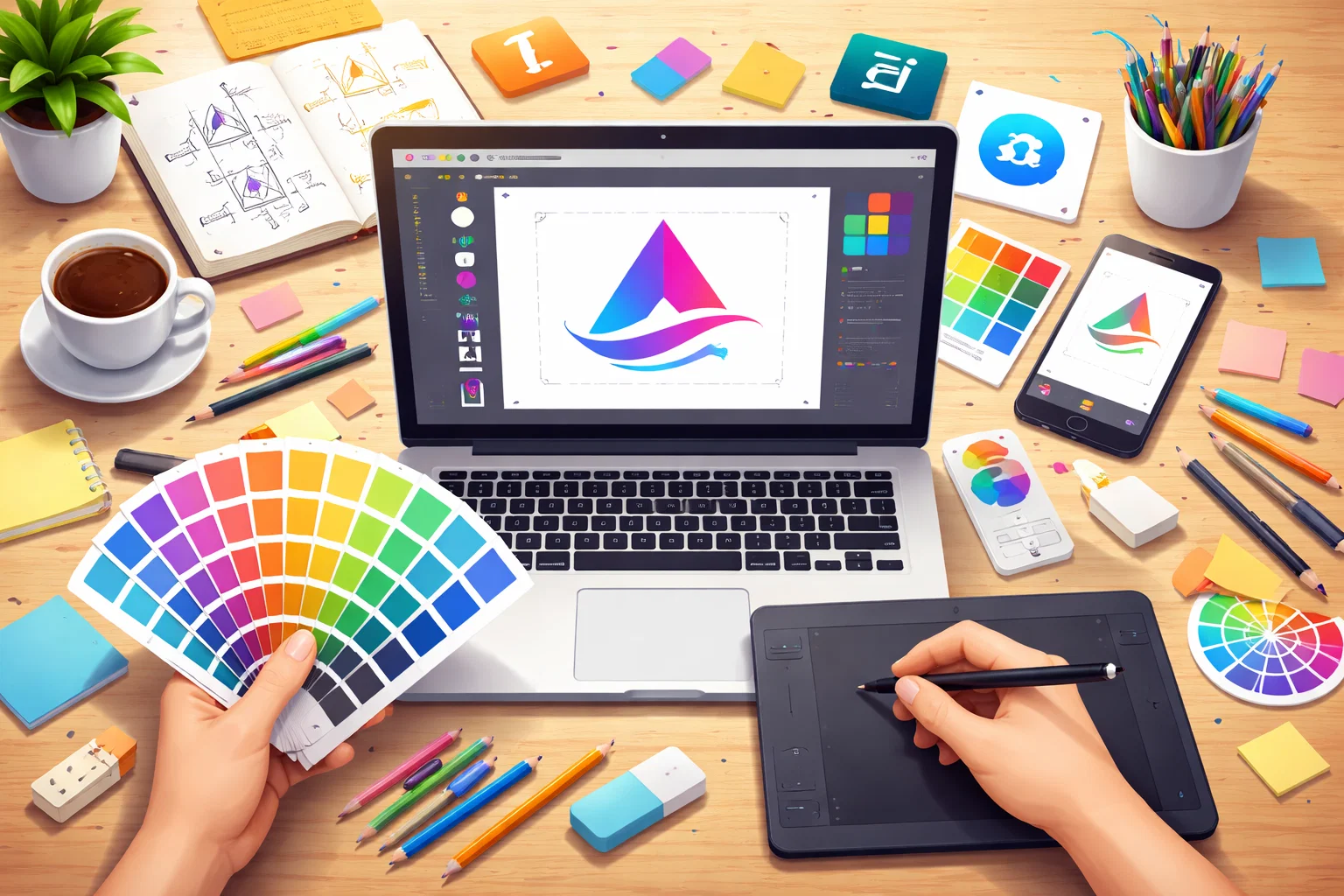
A logo is one of the most crucial elements of any brand identity. It serves as the face of a company, helping establish recognition, communicate values, and create a memorable impression. Whether you’re a business owner, a designer, or someone passionate about creating visual identities, you may wonder, How to create a professional logo using popular design tools? The process might seem daunting, but with the right tools and techniques, you can craft a logo that stands out and effectively represents your brand.
In this comprehensive guide, we’ll walk you through the steps to create a professional logo using popular design tools. We will also integrate how working with a digital marketing agency like Oscend can elevate your branding efforts by ensuring your logo resonates with your audience and fits into a wider marketing strategy.
Why a Professional Logo Matters?
Before diving into the logo design process, let’s take a moment to understand why a professional logo is so important. A logo is more than just a graphic – it’s a visual representation of your business. It communicates your values, personality, and mission in a single glance. Here are some reasons why a professional logo is essential for any business:
- Brand Recognition: A unique and professional logo helps your business stand out and increases the chances of being recognized by potential customers.
- Trust and Credibility: A polished logo gives your business credibility and shows that you are serious about your brand.
- Consistency: A well-designed logo can be used across multiple platforms and materials, ensuring consistency in your brand messaging.
- Memorability: A great logo sticks in people’s minds, making it easier for customers to remember your brand.
Now that you understand why your logo is important, let’s explore how you can create one using popular design tools.
Step-by-Step Guide to Creating a Professional Logo
Creating a professional logo is an essential step in establishing a strong brand identity. A well-designed logo not only visually represents your business but also communicates your values and resonates with your target audience. Whether you’re starting a new business or rebranding, following a structured process ensures that your logo aligns with your brand’s mission and leaves a lasting impression. Here’s a step-by-step guide to help you create a professional logo that captures the essence of your brand.
Step 1: Define Your Brand Identity
Before you even begin designing your logo, it’s important to define your brand’s identity. This includes understanding what your brand stands for, who your target audience is, and how you want to be perceived. A logo should reflect these aspects to ensure that it aligns with your brand message.
Questions to Consider
- What are your brand values?
- Who is your target audience?
- What emotions do you want your logo to evoke?
- What makes your brand unique?
Once you have clear answers to these questions, you can move on to the logo development process with a better understanding of how your logo should look and feel.
Step 2: Choose the Right Design Tool
The next step is selecting the right design tool. Different tools are suited to different needs, depending on your level of expertise and the complexity of your logo. Here are some of the most popular design tools used by professionals:
1. Adobe Illustrator
Adobe Illustrator is one of the most widely used tools for logo designing. It’s a vector-based design software, meaning it allows you to create scalable logos that will look sharp no matter the size. It offers a variety of tools and features that allow you to create intricate designs and refine your logos to perfection. If you’re also working on graphic motion services, Illustrator can be a useful tool for creating moving graphics that maintain the same visual appeal across different mediums.
- Pros: Powerful design tools, scalable vector graphics, wide range of features.
- Cons: Expensive subscription, steep learning curve for beginners.
2. Canva
Canva is a user-friendly, web-based design tool that’s perfect for beginners and those looking to create a logo quickly. It comes with a variety of templates, icons, and fonts that can be easily customized to fit your brand. While it may not have the advanced features of Adobe Illustrator, it’s a great tool for those who need a professional-looking logo without the steep learning curve. If you’re seeking print packaging design services, Canva offers some great templates tailored to packaging designs.
- Pros: Easy to use, free version available, plenty of templates.
- Cons: Limited advanced features, not suitable for highly customized logos.
3. CorelDRAW
CorelDRAW is another vector-based design tool that’s popular with graphic designers. It offers powerful design features and is a great option for creating detailed logos. Like Illustrator, it allows for precise control over design elements and is highly customizable.
- Pros: Intuitive interface, powerful design tools.
- Cons: Expensive, may require a learning curve.
4. Logo Maker Tools
For those looking to create a logo quickly, there are numerous online logo maker tools available. Platforms like Hatchful by Shopify or Looka use AI to generate logos based on your preferences. These tools are perfect for entrepreneurs who need a simple logo but don’t have the design expertise or time to create one from scratch.
- Pros: Quick, easy to use, free or low-cost options.
- Cons: Limited customization, may result in generic designs.
Step 3: Create a Design Concept
Once you’ve selected your design tool, it’s time to start brainstorming ideas for your logo. The key here is to translate your brand identity into a visual representation. Start with a rough sketch or a few design concepts to get a sense of what works best. For those seeking a creative approach, creative strategy services can provide a structured framework to make sure your design aligns with your branding vision and audience expectations.
Tips for Creating a Design Concept
- Simplicity is Key: Great logos are often simple yet powerful. Avoid overly complicated designs that might not be memorable.
- Choose the Right Colors: Colors evoke emotions and play a huge role in how people perceive your brand. Choose colors that align with your brand values. For example, blue often symbolizes trust, while red conveys energy.
- Select Appropriate Fonts: The font you choose can say a lot about your brand. A serif font might communicate tradition and reliability, while a sans-serif font might be seen as modern and clean.
- Consider Your Brand’s Story: Think about your brand’s story and how it can be incorporated into the design. For example, a nature-based business might use organic shapes or earthy colors.
Step 4: Design Your Logo
Now that you have a concept, it’s time to bring it to life. Using your chosen design tool, create a digital version of your logo. Experiment with different shapes, colors, and fonts until you find a combination that works. Don’t be afraid to make adjustments along the way – logo development is a process that often requires iteration.
Design Tips for Refinement
- Use Vectors for Scalability: Always work in vector format (like Adobe Illustrator or CorelDRAW) to ensure your logo can be resized without losing quality.
- Test Your Logo at Different Sizes: Your logo needs to be versatile. Test how it looks when scaled down for social media profiles or on large billboards.
- Balance Visual Elements: Ensure that the text, graphics, and colors are balanced and harmonious. A cluttered logo can detract from its effectiveness.
Step 5: Gather Feedback and Refine
Once you have a design, it’s important to get feedback from others, including team members, potential customers, and even professional designers. Constructive feedback can help identify areas that need improvement and refine the design for better impact.
Getting Feedback
- Ask for Specific Feedback: Rather than simply asking if people like the logo, ask specific questions about colors, shapes, readability, and emotional response.
- Use Multiple Sources: Collect feedback from different sources to get a well-rounded perspective. Consider working with a design-focused digital marketing agency like Oscend, which can provide expert feedback and help align your logo with your overall branding strategy.
Step 6: Finalize Your Logo
Once you’ve gathered feedback and made necessary revisions, it’s time to finalize your logo. Ensure that your logo is versatile by creating different versions for various uses – for example, a black-and-white version, a full-color version, and an icon-only version. You should also save your logo in various formats (SVG, PNG, JPEG) to ensure it can be used across different platforms. Whether you’re working on your website or planning a ui ux design services overhaul, make sure your logo aligns seamlessly with all other design elements.
How Oscend Can Help with Logo Design?
Creating a professional logo is only part of building a successful brand. Once your logo is designed, it needs to be implemented across all your marketing materials and digital platforms. This is where a digital marketing agency like Oscend comes in. With their expertise in branding and design, Oscend can help you:
- Ensure Brand Consistency: Consistency is key in branding. Oscend can help ensure your logo is used consistently across all your marketing channels, from your website to your social media profiles.
- Optimize for Digital Marketing: Your logo isn’t just for print. It needs to be optimized for digital platforms like websites, social media, and email marketing. Oscend can ensure that your logo works well across all these platforms and is SEO-friendly.
- Strategic Branding: A logo is just one element of your brand. Oscend can help develop a comprehensive branding strategy that includes logo usage, brand tone, content style, and customer engagement.
Frequently Asked Questions
What Are the Best Tools for Creating a Professional Logo?
Popular tools for creating a professional logo include Adobe Illustrator, Canva, and CorelDRAW. Adobe Illustrator is ideal for vector-based logo design, Canva is great for beginners because of its simple interface and ready-made templates, and CorelDRAW offers advanced features for detailed and polished logo work.
How Do I Create a Logo Using Adobe Illustrator?
To create a logo in Adobe Illustrator, begin with a vector-based design so your logo can scale without losing quality. Use tools like the Pen Tool, Shape Tools, and Typography features to build your concept. Once finished, save your logo in versatile formats like SVG, PNG, and AI for use across digital and print platforms.
Can I Design a Logo with Canva for Free?
Yes, Canva offers a free version that allows you to create a logo using templates, icons, fonts, and design elements. It is a good option for simple logo creation. However, for premium assets, brand kits, and high-quality export options, you may need a paid subscription.
What Is the Process of Creating a Logo from Scratch?
Creating a logo from scratch starts with understanding your brand identity, values, and target audience. After that, choose the right design tool, sketch rough concepts, build your design digitally, refine the details, and collect feedback. Once everything looks right, finalize the logo in multiple formats for different uses.
How Do I Make a Logo for My Business?
To make a logo for your business, first define your brand’s core message and style. Then choose a design tool that suits your skill level and create a logo that is simple, memorable, and relevant to your business. Make sure it looks professional and works well across websites, social media, packaging, and print materials.
Conclusion
Creating a professional logo requires more than just picking a pretty design – it involves understanding your brand, selecting the right tools, refining your concept, and ensuring that your logo works seamlessly across various platforms. How to Create a Professional Logo Using Popular Design Tools can guide you in using tools like Adobe Illustrator, Canva, and others to craft a logo that truly represents your brand. However, for a truly impactful and strategic design, consider collaborating with a digital marketing agency like Oscend to take your branding to the next level.
A well-designed logo will serve as the cornerstone of your brand’s identity, ensuring that your business stands out in a crowded marketplace. So, invest the time and effort into creating a logo design that reflects who you are and what you stand for – your customers will thank you for it.
